Sections & layout
Every block on every page sits in a section, and the section options are the same for all of them. That is how the scoreboard gets the Pitch band, or a hero gets a floodlit background, without either block knowing.
Width
Contained keeps content to the site’s column; Full spans the screen with the usual side gutter; Bleed goes edge to edge. The band behind always spans the screen.
Contained
The default: content sits in the site column, however wide the screen — Rosterly narrows it slightly, to 80rem, with one token.
Full
The content spans the screen, still inset by the gutter.
Bleed
No gutter at all — for pictures, live tickers and strips that should touch the edges.
Padding
Top and bottom padding are steps on one scale — none, S, M, L and XL — and each step tightens on a phone. A step replaces the block’s own spacing rather than adding to it, so None really is none.
Padding SM
This band has SM padding above and below.
Padding MD
This band has MD padding above and below.
Padding LG
This band has LG padding above and below.
Padding XL
This band has XL padding above and below.
Colour theme
A section inherits the page’s theme, picks one of its own, or goes transparent over whatever is behind it. Rosterly’s site theme is night by default and chalk in the light scheme; its three bands keep one look in both.
Inherit
No theme set: this band follows the page.
Volt
The loudest band: volt with dark text in both schemes. Save it for one call to action a page.
Night
Dark in both schemes, for bands that should always read as the stadium at night — the footer uses it.
Pitch
Deep pitch green with volt highlights, in both schemes: the band for scores and tables.
Height and background image
A section can take a minimum height — small, medium, large or the full screen — and a picture behind its content, with a tint to keep the words readable.
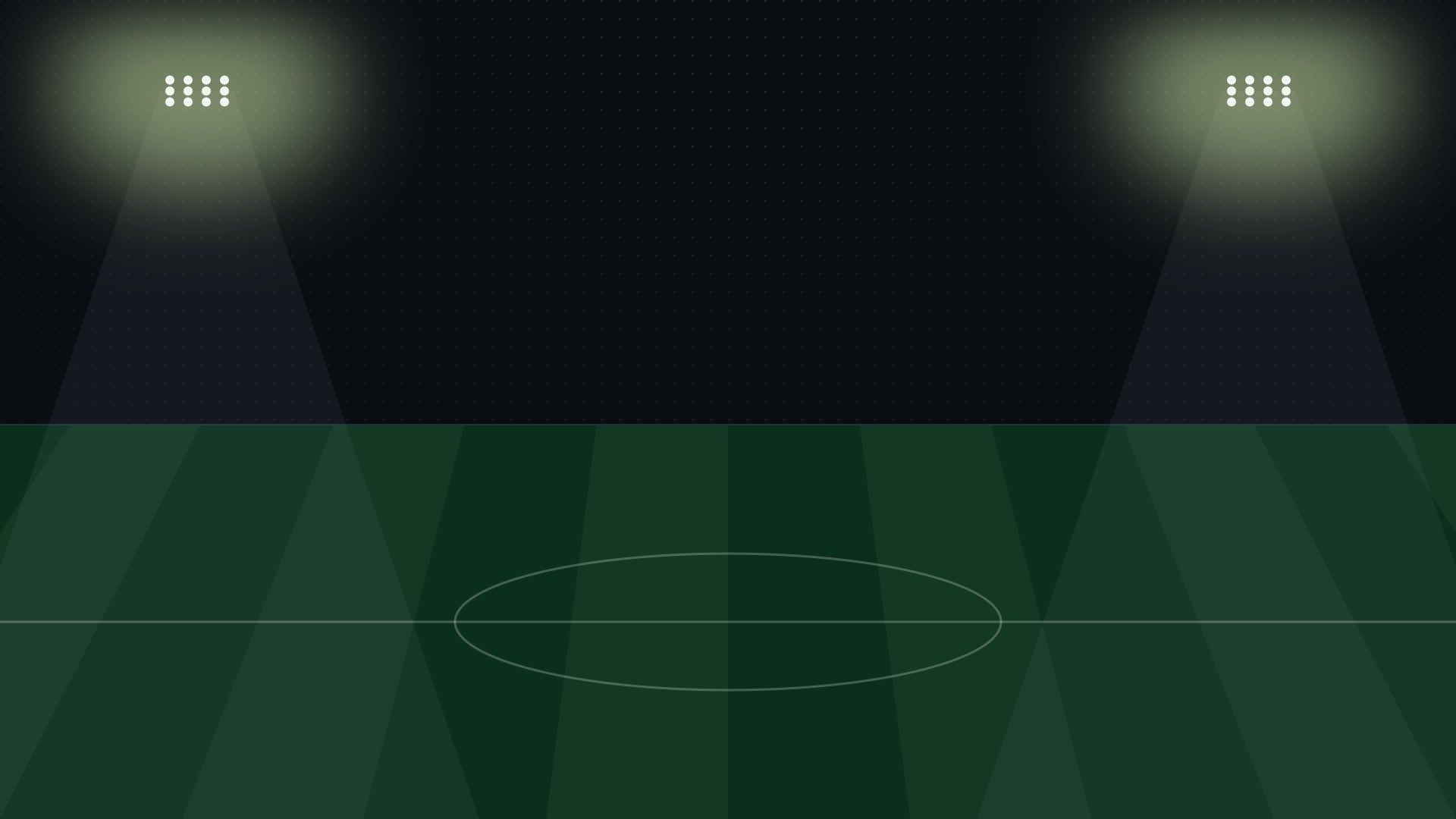
Floodlights on
This stadium is the section’s background, not part of the text block. The tint is a colour and an opacity.
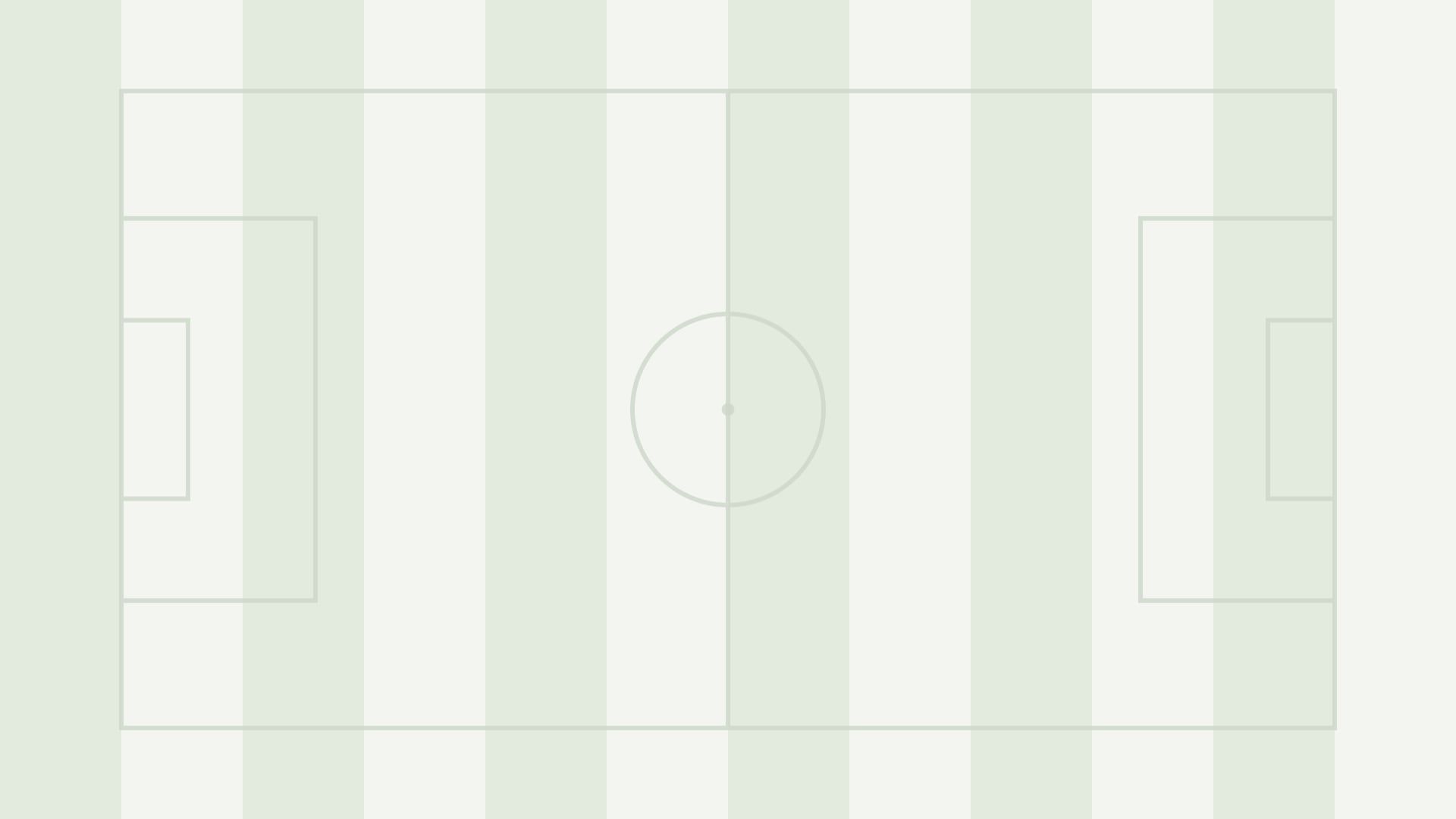
Chalk lines, same block
The same option with a pale pitch picture on the site theme.
Background slideshow
Several pictures behind a section, fading or slowly zooming (Ken Burns). A section can also play a muted background video — this demo has none, as it ships no video files.

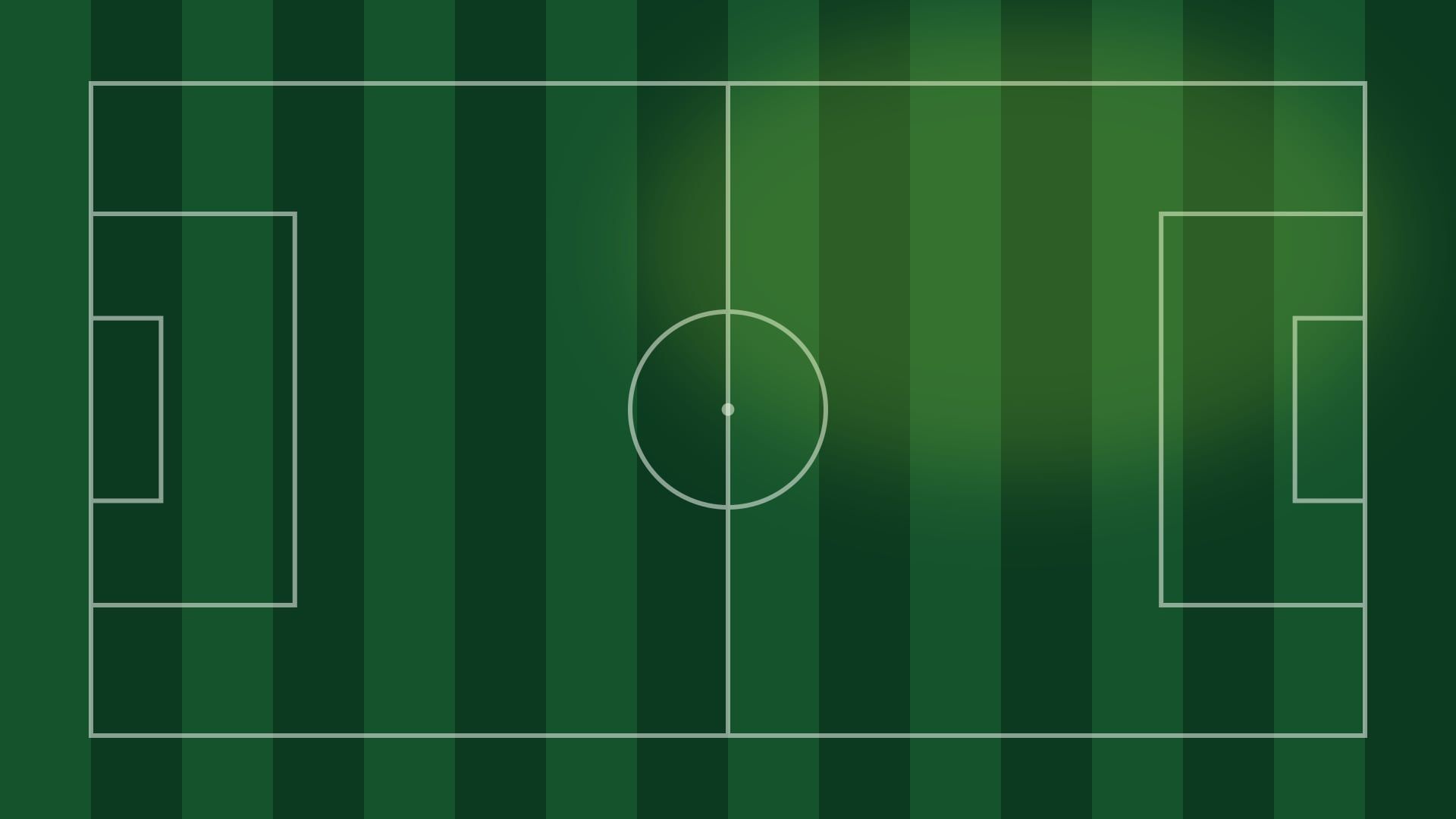

Ken Burns slideshow
Three match-day pictures, each held, slowly zooming, then crossfading to the next.
Sticky sections
A sticky section holds at the top while the next one slides over it. Consecutive sticky sections stack, and the first section that isn’t sticky ends the stack — so a sequence can stick for a few screens and then let go.
Draft
A sticky section holds its place…
Score
…the next one slides over it…
Trade
…and the last one in the run holds too.
Not sticky, so the stack ends here
This section has Sticky Positioning off. It scrolls in after the three above and takes them with it, so the rest of the page is free.
Spacer and dividers
A spacer adds height, optionally with a divider drawn in one of eight styles, in a quiet colour or the accent. Here is each one, alternating, so the accent ones show Rosterly’s volt.
Your league’s next season starts here
Set up a league in five minutes, invite your rivals with one link, and draft live on the night. Free for up to ten managers.